XMReality hardware 4
XMRealitys supported hardware mobil v2

Supported hardware
and devices

Ready when you are, on the devices you already trust.

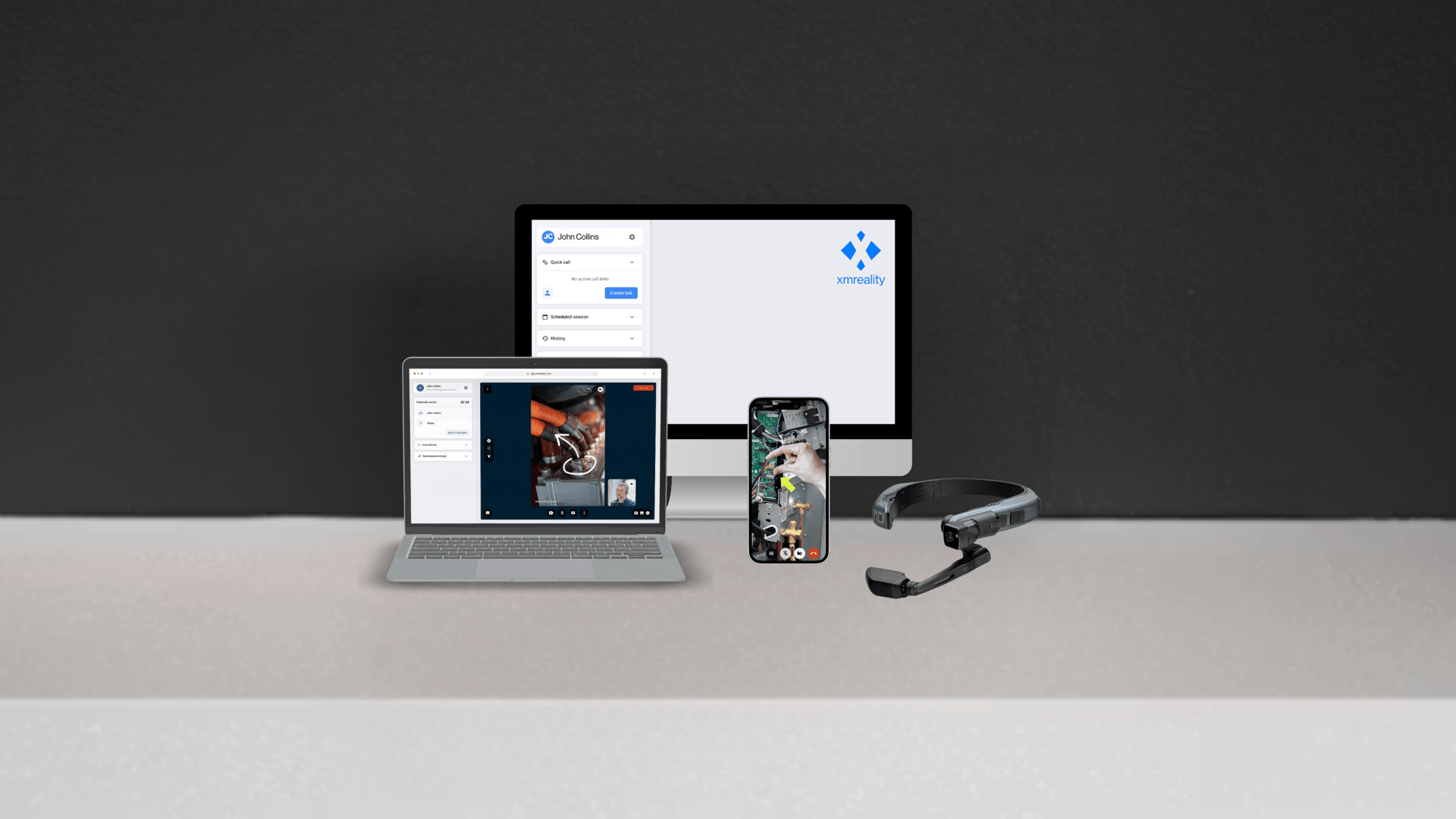
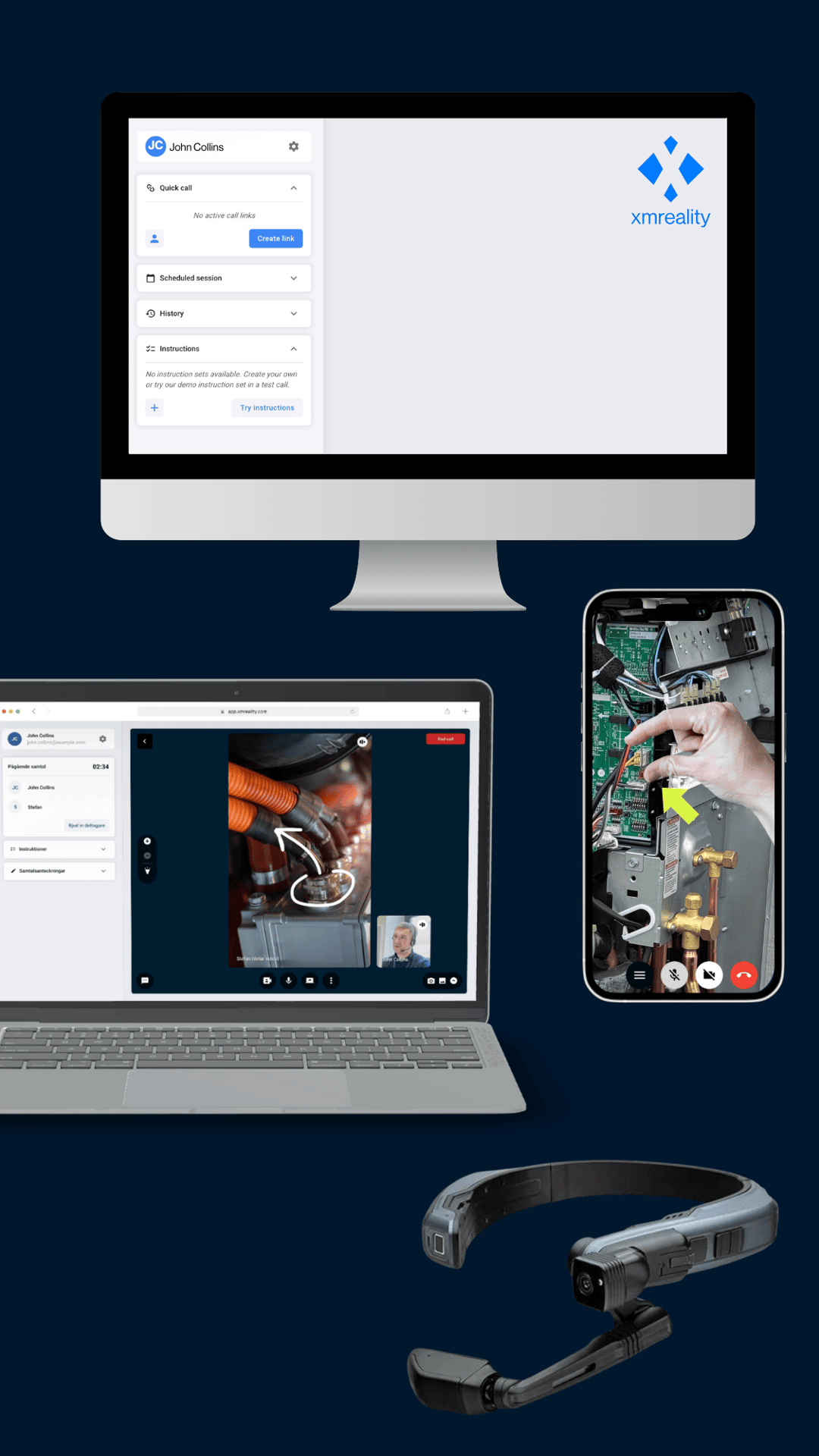
XMReality is built to be device-agnostic, meaning you can start with the hardware you have today and scale up to hands-free specialized equipment when you're ready. We support the hardware that fits your workflow.

Use your computer

XMReality on your desktop and laptp-1

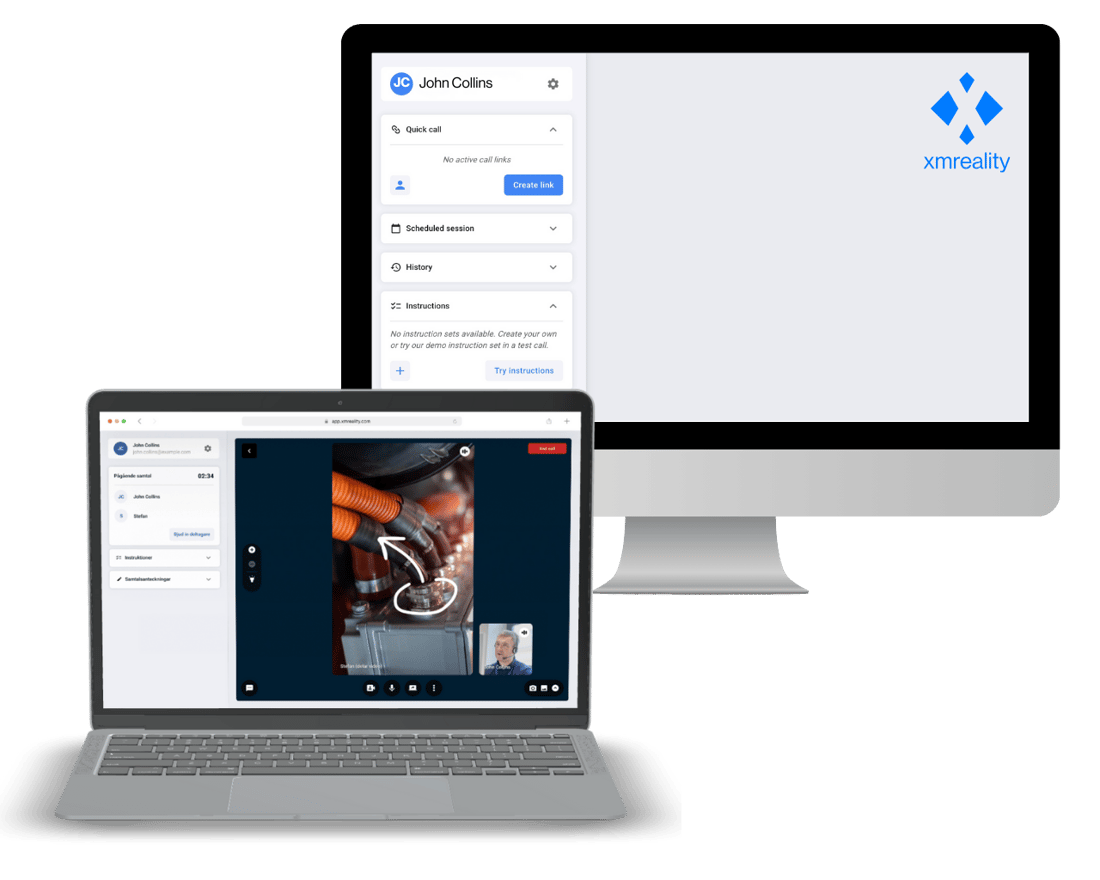
Experts and support agents can connect instantly from their office workstations without any complex installations. Choose the method that suits you best:

  • Desktop App: Download the dedicated application for Windows or Mac.

  • Web Browser: Run seamlessly in your browser without installation (Google Chrome, Microsoft Edge, Safari).

or your smartphone.

XMReality from smart phones

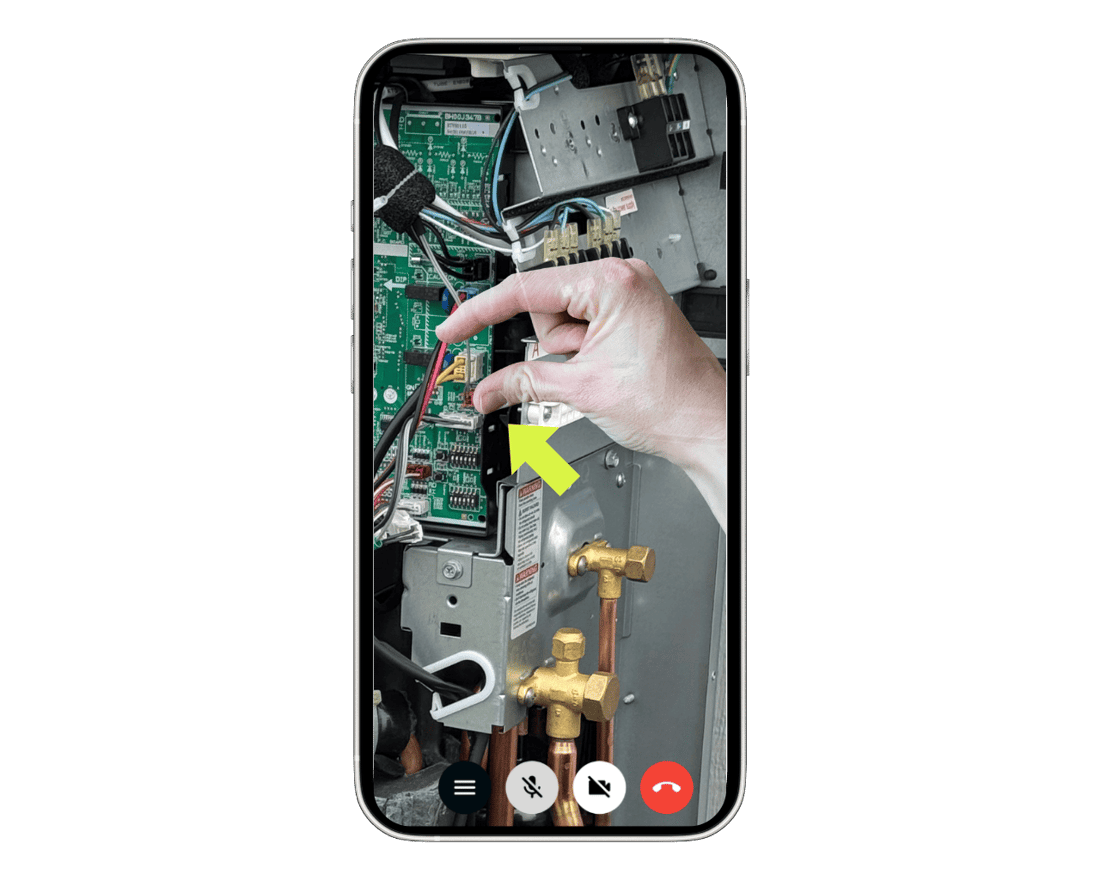
For quick troubleshooting and on-the-go support, the device in your pocket is often the best tool.

If you are receiving support, connect with anyone instantly with with just one click. No downloads or installations needed 

If you are providing support, the app is optional but recommended for the best mobile experience. Available to download directly from the App Store or Google Play.


Smart glasses for a hands-free experience

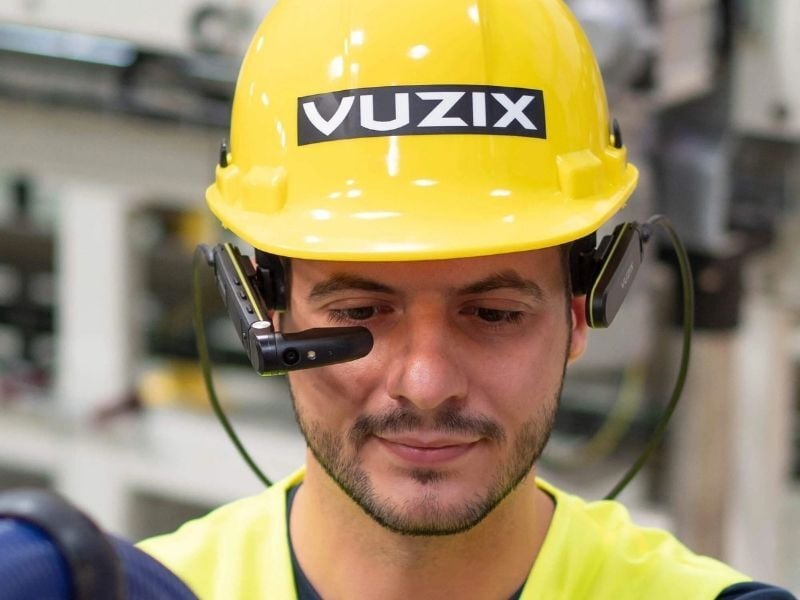
Vuzix on-site worker smaller

Experience true hands-free support with AR smart glasses. XMReality works on most major models, allowing you to select the perfect fit for your environment.

  • RealWear: Navigator 500, Navigator 520, Z1
  • Vuzix: M400, M4000, Blade 2
  • Epson: Moverio BT-45

XMReality's own hardware

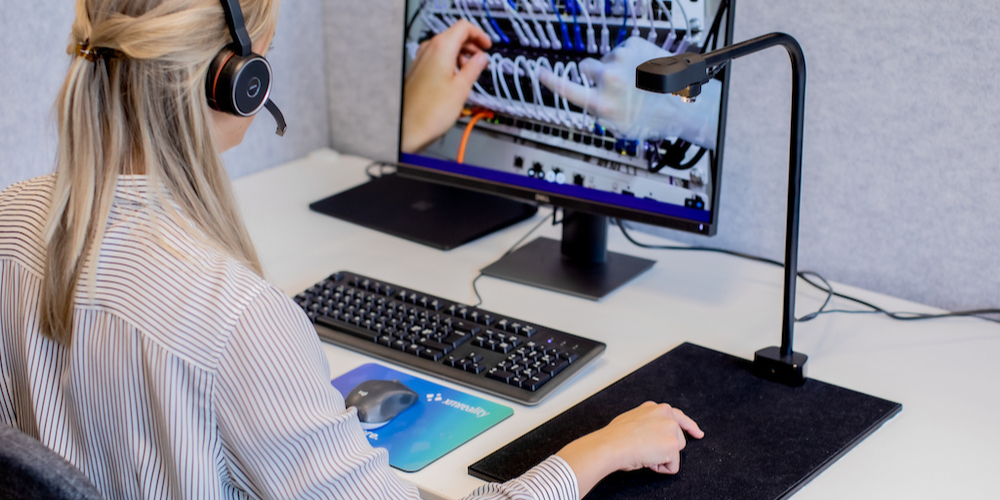
The Pointpad

Contact centers using AR for problem solving

XMReality’s Pointpad is an optional add-on that turns any desktop into a powerful remote support station by enhancing the Hands Overlay feature.

It lets you use both hands to give clear, real-time instructions through hand gestures. With its built-in camera and lighting, it ensures sharp overlays for faster, more efficient support.

Do I need to buy any hardware to get started?

No. XMReality is a "Bring Your Own Device" (BYOD) solution. You can start immediately using the smartphones, tablets, or computers your team already owns. Specialized hardware, like smart glasses, is optional and can be added whenever you are ready.

Do I need to install any software on my computer?

No. If you are using XMReality on a computer (Windows or Mac), you can run the solution entirely through your web browser (Chrome, Edge, or Safari).

Do I need to download an app to use XMReality on my phone?

If you are receiving support, you do not need to download anything. The call will run in your phone's browser.

If you are the expert providing support, the app is optional but recommended for the best mobile experience.

Which smart glasses should I choose?

This depends on your environment. RealWear is often preferred for rugged, noisy environments, while Vuzix offers a lightweight solution for longer shifts. Contact our sales team, or read our smart glasses guide, for a recommendation based on your specific use case.

Do you support voice commands on smart glasses?

Yes. XMReality supports voice navigation on compatible hands-free devices, such as RealWear. This allows you to control key features like taking snapshots, zooming, or pausing video, completely hands-free.

Plug in with your favorite systems

Integration

Salesforce Service Cloud

Salesforce Service Cloud

Launch calls from Salesforce and seamlessly capture call outcomes directly in Salesforce cases.

Download

Integration

Microsoft Outlook

Microsoft Outlook

Schedule in advance with a standard meeting invite in Outlook.

Download

Integration

Microsoft OneDrive

Microsoft OneDrive

Keep your snapshots and recordings secure with automatic cloud storage sync to OneDrive.

Login to activate

Integration

Custom integrations

Custom integrations

Create custom built integrations with options ranging from no-code solutions to fully customizable APIs.

Read more

I keep coming back to the ease of use. If it wasn’t easy, the agents wouldn’t use it.

Jeff Smith Senior Technical Specialist, Toshiba America Business Solutions

Unsure what devices are right for your team?


Contact us