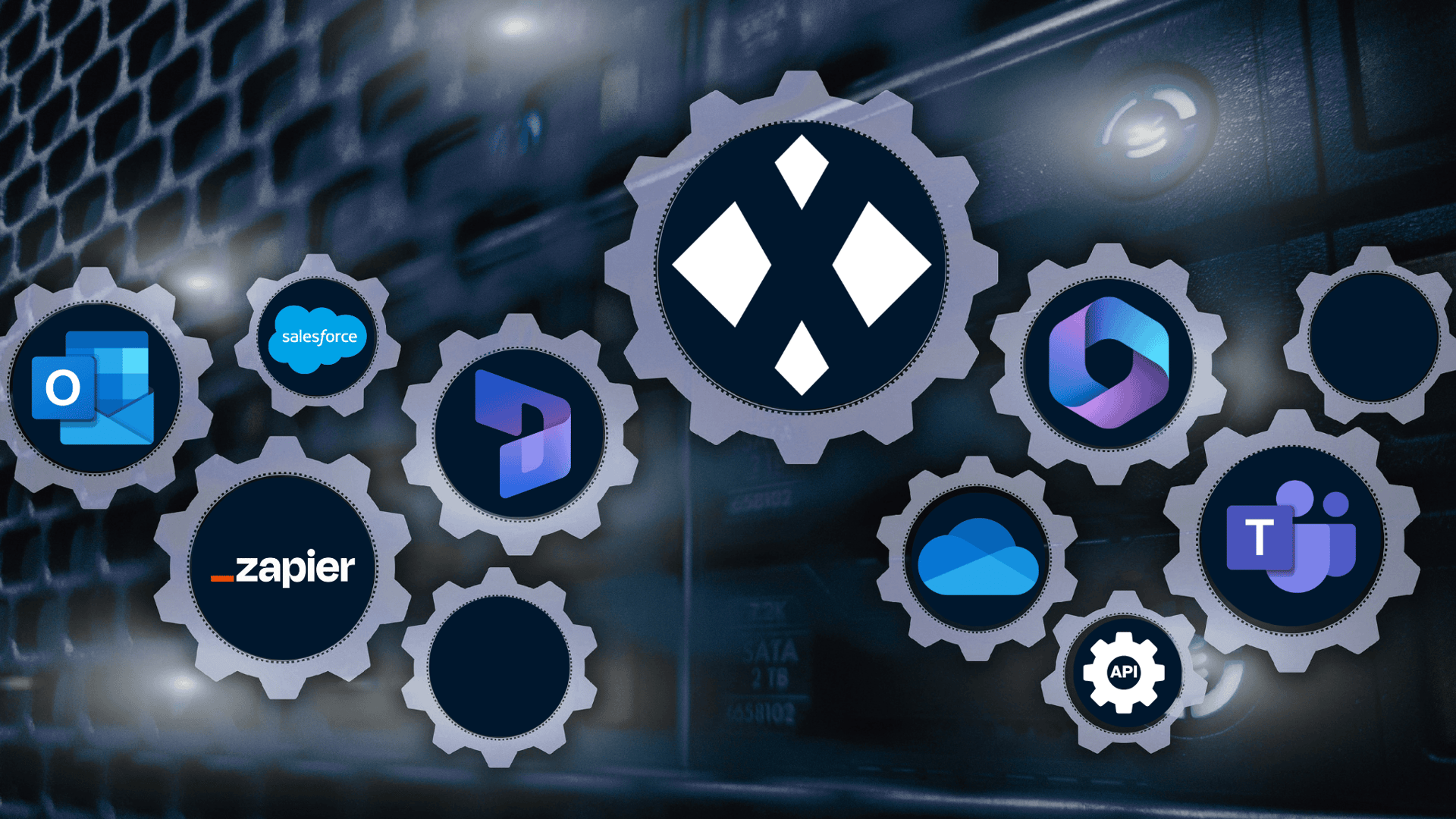
Whether you need a "plug-and-play" solution or a bespoke setup, we ensure XMReality fits perfectly into your existing ecosystem. Choose from our ready-made connectors below or build your own to streamline your remote support operations.
Integrations built for your business
Native integrations for your CRM
Empower your team by launching XMReality calls directly from Microsoft Dynamics 365, Salesforce, Microsoft Teams, or Outlook. Our native integrations automate your documentation by instantly syncing all call data to your CRM, or cloud storage like OneDrive, ensuring every case is backed by a complete, audit-ready record without any manual entry.
One-click connect to 7,000+ apps with Zapier
Use our Zapier app to bridge XMReality with the tools you rely on. Whether it’s sending a Slack notification when a call ends or triggering a follow-up email in HubSpot, you can build custom workflows in minutes, no coding required.
Built for flexibility: connect or embed with our open API
Our robust REST APIs, Webhooks and embeddable UI components let you put XMReality right into your own proprietary software.
Embedded calls: experience our video calls inside your own web or mobile app.
Total automation: control everything from user permissions to call scheduling and logs.
Real-time triggers: use Webhooks to act instantly on call status or data updates.
Unlock insights with AI Connectors
Connect XMReality with AI tools such as Microsoft Copilot, ChatGPT and Claude to turn service and support conversations into actionable insights. AI Connectors can help customers identify recurring issues, uncover business opportunities and improve products and service using knowledge captured from real-world interactions.
Add XMReality to your workflow
Integration
Microsoft Dynamics
Make calls in your CRM and sync all call insights and documentation to your Dynamics 365 records.
Stay in your workflow: launch calls directly from the systems you use every day.
Automated sync of call data: no more manual uploads.
Centralized records: keep all call data inside your CRM or support system.
Rapid diagnostics: resolve cases faster with integrated tools at your fingertips.
Effortless traceability: every session is auto-logged for clear, reliable audit trails.
Frequently asked questions
Which systems can I integrate with XMReality?
XMReality provides ready-made integrations for Salesforce Service Cloud, Microsoft Dynamics 365, Microsoft Outlook, Microsoft OneDrive and Microsoft Teams. Single Sign-On (SSO) is available to make it easy for users and administrators to sign in with existing enterprise credentials.
If you want to add XMReality to your Microsoft Dynamics 365 account and existing Microsoft billing setup, you can purchase licenses directly from the Microsoft Marketplace.
All product functionality is available through APIs, which are available to all Enterprise customers. As a Professional or Enterprise user, you can also build your own custom no-code integrations via Zapier, connecting XMReality to over 7,000 other apps.
Can we build custom integrations if our system isn't listed?
Yes. You can either build custom no-code integrations using Zapier, or advanced custom software integrations using our embeddable UI components, open REST APIs and Webhooks. These let you make video calls from your own apps, build custom workflows or sync data with your proprietary systems.
Where is my call data stored when using an integration?
Your call data will be stored in our secure cloud environment, or in your own Microsoft 365 environment using our OneDrive integration.
Do I need a developer to set up an integration?
No developer is needed for out-of-the-box or Zapier integrations. In most cases it is sufficient with a system admin to install and set up the integration .
However, you will need developer resources to build custom workflows using our REST APIs, Webhooks, or UI app components.
Is the data transfer secure and compliant?
All data is encrypted bothin transit and at rest. Our cloud infrastructure and processes are fully compliant withGDPRregulations and certified under theISO 27001information security standard.
Your data is stored securely and centrally on XMReality’s managed cloud infrastructure. Depending on your organization's configuration, data can alternatively be stored locally on your device or via Microsoft OneDrive integration.
Set up your Zapier integration
Choose which app to integrate
You can configure an integration with any app available through Zapier in minutes. You start by choosing which app to integrate with and then select an event that will trigger the workflow.
After that, it's just a drag-and-drop process to select which actions will execute in which system, no code required.
Set up your triggers
One very simple setup that create real value is to set up triggers for automatic call link creation. This way you can initiate XMReality calls without having to switch between systems.
You can also set up triggers to ensure all call documentation is automatically synced to your system for customer support tickets. Easily creating a seamless support experience for both you and your customers.
Deploy instantly
Any XMReality customer with an Enterprise or Professional license can use Zapier for no-code integrations at no additional charge.
Sign in to the XMReality admin portal to create a free Zapier account and set up integrations with a point-and-click interface in minutes.
Let’s find your perfect setup
Perhaps you need to figure out which option for custom integrations would suit your business, or have questions regarding our pre-built integrations? Regardless, we are here to help, so don't hesitate to get in touch, and one of our application specialists will help you.