Resolve issues in seconds, not hours.
Equip your technical helpdesk with the power of sight. See what your customers or field technicians see instantly - no downloads, no logins, just faster problem solving.

Equip your technical helpdesk with the power of sight. See what your customers or field technicians see instantly - no downloads, no logins, just faster problem solving.







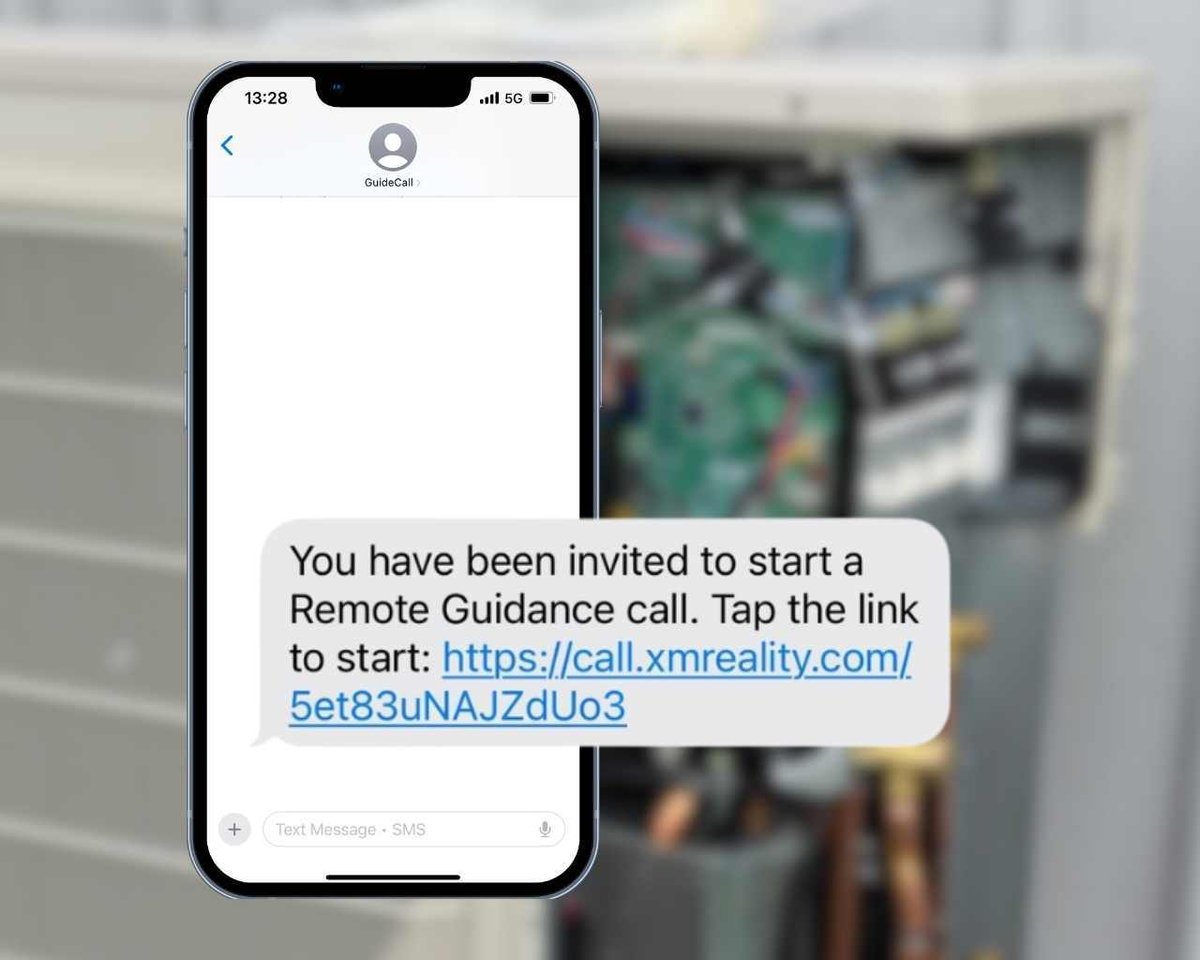
Asking customers to download an app often stops the support process before it even starts.
XMReality works via a simple text or WhatsApp message. The customer clicks the link, and the browser opens the camera and initiates the call immediately. No login, no installation, and no account creation is required for the person receiving help.
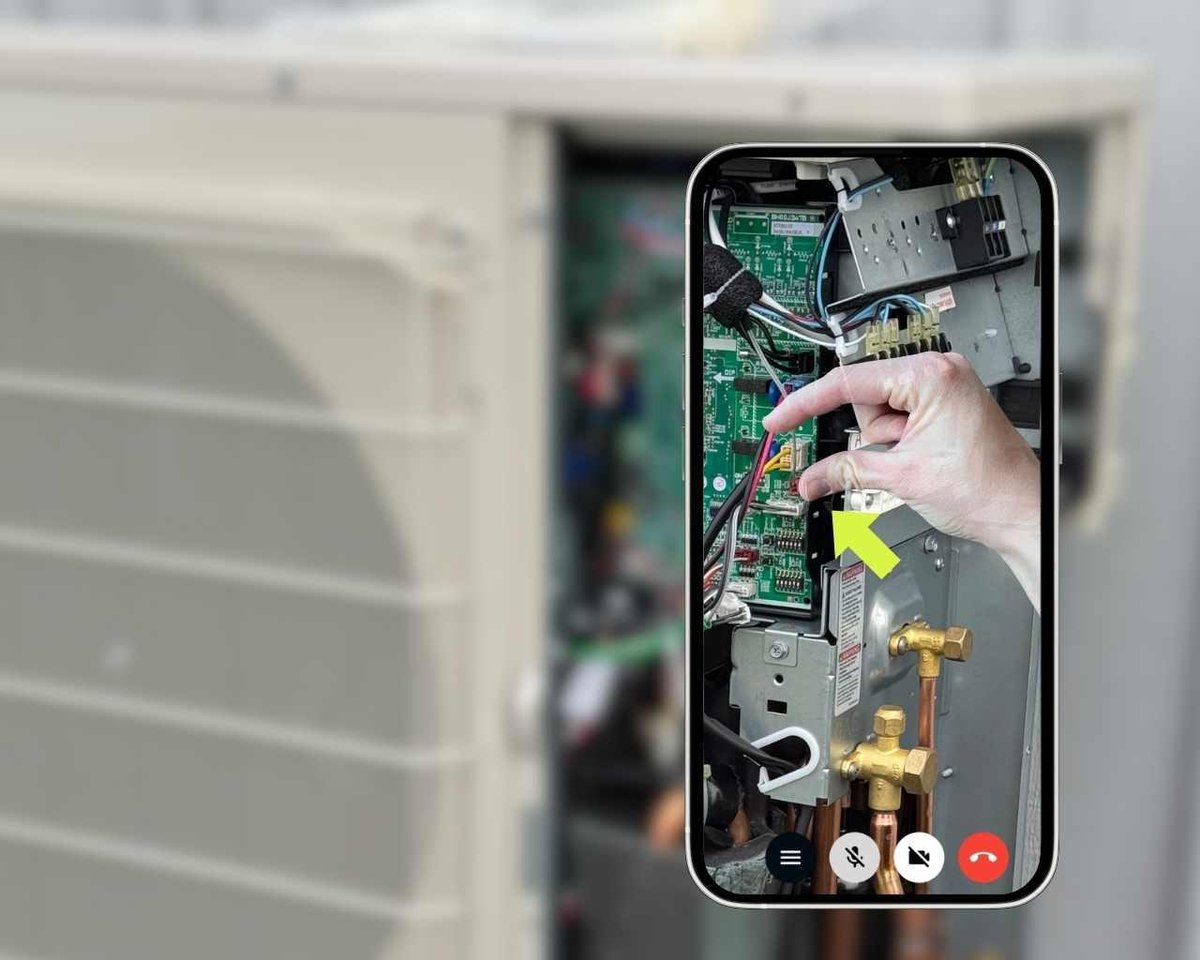
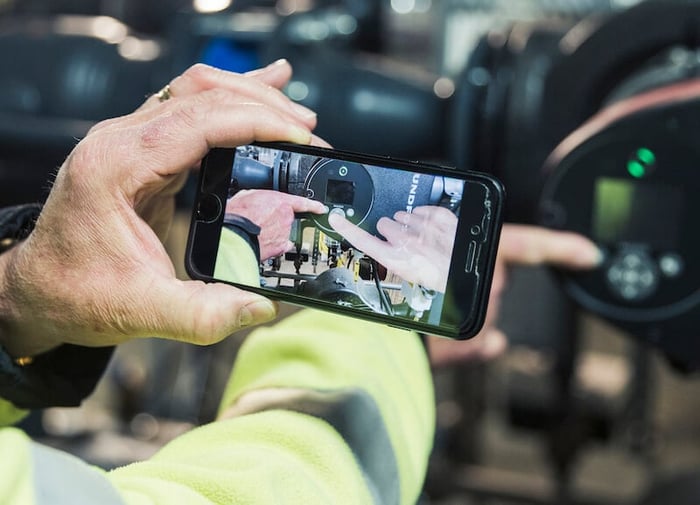
XMReality is more than just a video tool. Use the AR-feature to guide with your own hands.
Pause the video to highlight and zoom in on details. Annotate and share images while recording, taking snapshots, and writing notes. Download all call documentation including AI-generated transcription with one click.
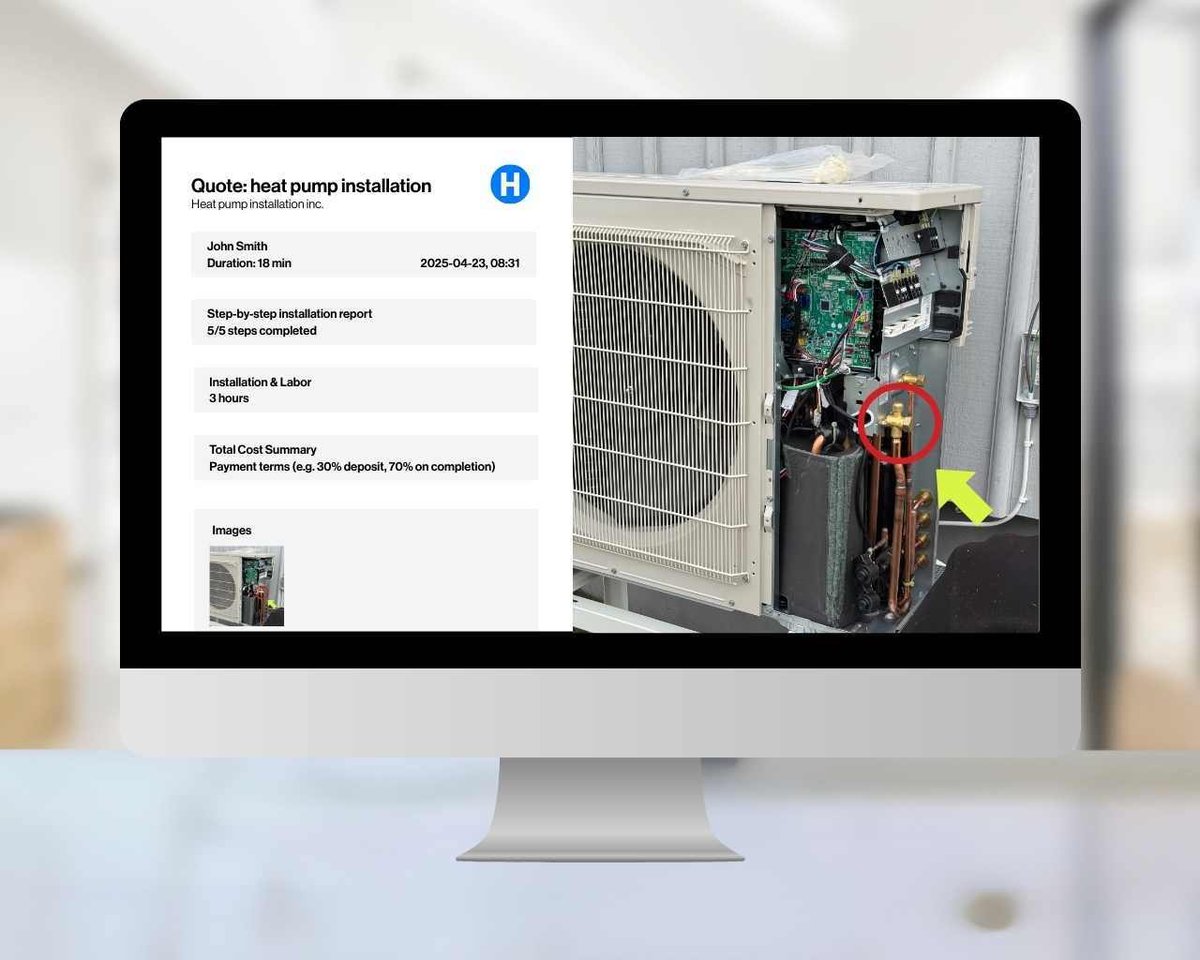
With XMReality, every support call turns into a valuable, fully documented case, automatically.
Snapshots, notes, and transcripts are captured without any extra effort, building a growing library of proven solutions. Your team gains smarter routines, consistent best practices, and faster resolutions.
Last winter, one of our service technicians helped 14 customers with troubleshooting during one weekend. Without XMReality, we wouldn’t have been able to solve all these cases with only one technician.
Integration

Launch calls from Salesforce and capture call documentation in cases and work orders.
Integration

Create, send or share XMReality call links directly from your Teams chat or meeting.
Integration

Keep your snapshots and recordings secure with automatic cloud storage sync to OneDrive.
Integration

Integrate with simple no-code Zapier automations or powerful custom builds with embeddable components and APIs.
Step-by-step instructions
.png?width=1100&height=880&name=Mallar%20(15).png)
Standardize your remote support and eliminate guesswork. Use our Step-by-Step Instructions to push customizable checklists to the user’s view during a call. It’s a powerful tool for maintaining quality control while offering your customers crystal-clear visual guidance.
Custom Branding
.png?width=1100&height=880&name=Mallar%20(14).png)
With XMReality, you can customize the branding and design so your customers feel trust in every interaction. Add your logo and make your own text adaptations both before and after a call.